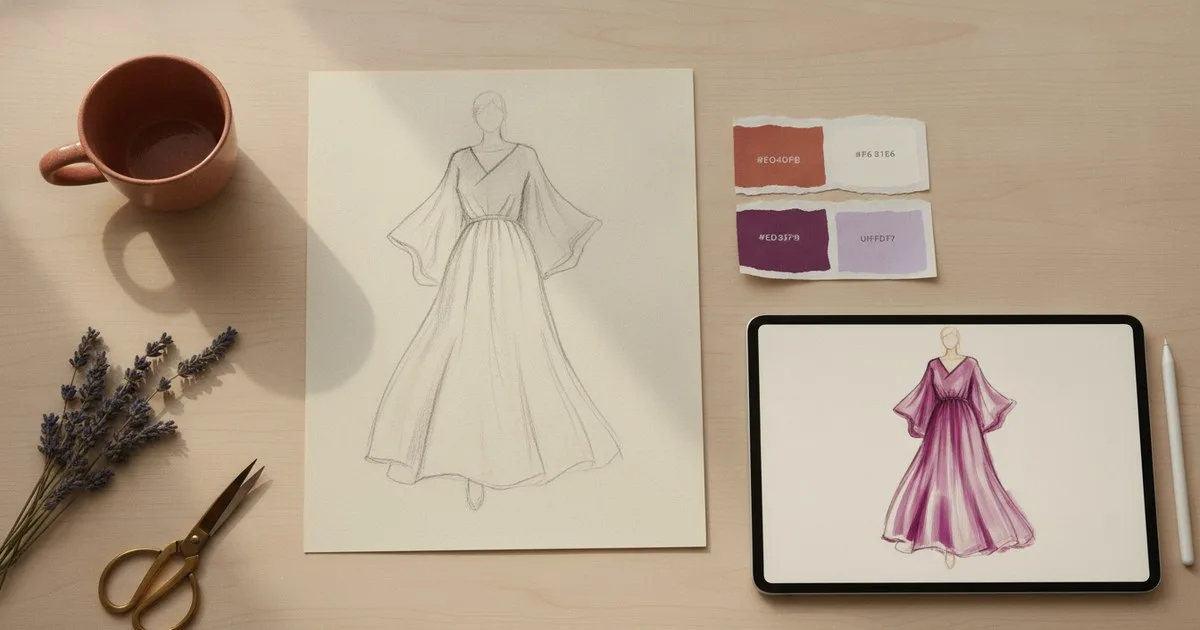
If you have spent any time on fashion social media lately, you have almost certainly seen AI-generated imagery: dreamy editorial concepts, colourway explorations that would take a studio days to produce, rough sketches transformed into polished renders in minutes. Three tools sit at the centre of this shift for designers and fashion-curious creatives alike: Midjourney, Adobe Firefly, and Vizcom. Each was built with a different user in mind, and each has a genuinely different relationship with the design process. Knowing which one fits your workflow can save you a great deal of frustration.
Key takeaways
- Midjourney excels at generating evocative, editorial-quality fashion imagery from text prompts, making it the natural starting point for mood boards and concept exploration.
- Adobe Firefly sits inside the Creative Cloud ecosystem, so it suits designers who already live in Photoshop or Illustrator and want AI generation without leaving their usual tools.
- Vizcom is purpose-built for product designers: you draw or upload a sketch, and the tool renders it into a photorealistic or stylised image, keeping your original lines intact.
- None of the three tools produces production-ready patterns or tech packs; they belong at the ideation and visualisation stage of the design process.
- The right choice depends less on which tool is 'best' and more on where in your process you need help.
What are these tools actually doing?
Before comparing them feature by feature, it helps to understand what each tool is and is not. All three use generative AI to produce images, but they sit at different points in a designer's workflow and make different assumptions about who you are.
Midjourney is an independent AI image and video generation platform, primarily accessed through Discord and a web interface. You type a prompt, and the model generates images. It has no fashion-specific training, but its aesthetic output is unusually strong, and the fashion community has adopted it enthusiastically for concept work.
Adobe Firefly is Adobe's generative AI studio, now encompassing more than 30 AI models for image creation, video, and editing. It is integrated directly into Creative Cloud applications and available as a standalone browser tool. Because it is trained on licensed and public-domain content, it is designed with commercial use in mind.
Vizcom is a web-based AI design platform built specifically for product designers. Rather than generating images from scratch, it takes your sketch as a starting point and renders it. The result stays true to your original drawing while adding material, lighting, and surface detail.
How do they compare at a glance?
| Tool | What it is | Best for | Limits |
|---|---|---|---|
| Midjourney | Text-to-image AI platform | Mood boards, editorial concepts, colourway exploration | No sketch input; output not editable in-tool; commercial rights require a paid plan |
| Adobe Firefly | AI creative studio inside Creative Cloud | Designers already in Photoshop or Illustrator; commercially safe generation | Fashion-specific prompts can feel generic; best results require Creative Cloud subscription |
| Vizcom | Sketch-to-render AI platform for product designers | Turning hand or digital sketches into rendered visuals | Less useful if you do not have a sketch to start from; not a pattern or tech-pack tool |
Midjourney: for the mood board and the big idea
What it does well
Midjourney produces images of striking visual quality. For fashion, this means you can describe a collection concept in words and receive back a set of images that capture a mood, a silhouette direction, or a palette in a way that is genuinely useful for presenting ideas to collaborators or clients. Prompts like 'editorial fashion photograph, oversized linen coat, muted terracotta palette, soft morning light' yield results that feel considered rather than generic.
Colourway exploration is another strong suit. You can iterate quickly across variations, adjusting a single word in your prompt to shift the entire palette of an imagined garment. For designers who work visually and need to communicate ideas before committing to samples, this is a meaningful time-saver.
Where it falls short
Midjourney does not take sketch input. If you have already drawn something and want to see it rendered, this is not your tool. The images it produces also cannot be directly edited within the platform; you would need to bring them into another application to refine details. And while the aesthetic quality is high, the tool has no understanding of construction, so generated garments sometimes have seams, fastenings, or proportions that would be impossible to realise in cloth.
Pros and cons
Pros: Exceptional image quality; fast iteration; strong for mood and concept work; active community sharing fashion-specific prompting techniques.
Cons: No sketch-to-render capability; no in-tool editing; generated garments are not construction-accurate; commercial use requires a paid subscription.
Who it is for
Midjourney suits creative directors, fashion students, and designers who work at the concept stage and need to generate visual references or present ideas quickly. It is also genuinely useful for fashion-curious people who want to experiment with styling ideas or visualise a direction before investing in pieces.
Adobe Firefly: for the designer already inside Creative Cloud
What it does well
Firefly's greatest advantage is integration. If you already work in Photoshop, Illustrator, or InDesign, Firefly's generative features are available without switching applications. You can use 'Generative Fill' to extend a background, replace a fabric texture, or add a garment element to an existing image. The 'Text to Image' feature works in the browser too, as a standalone tool.
Firefly is also trained on licensed content and Adobe Stock imagery, which means it is designed for commercial use in a way that some other tools are not. For brands and studios concerned about the provenance of AI-generated imagery, this is a meaningful distinction.
The tool has expanded considerably and now includes AI video models and a browser-based video editor alongside its image capabilities, making it a broader creative studio than it was at launch.
Where it falls short
Firefly's fashion-specific output can feel less distinctive than Midjourney's. The model is general-purpose, and prompts describing specific garment details sometimes produce results that are competent but not particularly inspired. Getting strong fashion imagery often requires more prompt refinement than you might expect.
The best experience also assumes a Creative Cloud subscription. The standalone browser tool is accessible without one, but the deep integration with Photoshop and Illustrator, which is where Firefly's real value lies for working designers, requires a paid plan.
Pros and cons
Pros: Deep integration with Photoshop and Illustrator; commercially licensed training data; broad feature set including video; accessible to anyone with a browser.
Cons: Fashion-specific results can feel generic without careful prompting; full value requires a Creative Cloud subscription; less distinctive aesthetic than Midjourney.
Who it is for
Firefly suits designers and creative teams who already use Adobe tools and want to add AI generation to their existing workflow without adopting a new platform. It is also the more straightforward choice for brands that need to be confident about the commercial status of generated imagery.
Vizcom: for the designer with a sketch in hand
What it does well
Vizcom occupies a different position from the other two tools. Where Midjourney and Firefly generate images from text, Vizcom starts with your drawing. You upload a sketch, whether hand-drawn or digital, and the tool renders it into a photorealistic or stylised image while preserving your original lines and proportions.
This matters for fashion designers because the sketch is often where the real design thinking happens. Being able to see a rough drawing rendered with convincing fabric texture and lighting, without losing the silhouette you drew, is a genuinely different proposition from text-to-image generation. Vizcom also supports iterative ideation, letting you adjust materials, colours, and surface finishes across multiple versions of the same sketch.
The platform includes team collaboration workspaces, which makes it practical for studio use rather than just individual experimentation. It has worked with brands across product design categories, demonstrating that the sketch-to-render workflow translates across physical product disciplines.
Where it falls short
Vizcom is less useful if you do not have a sketch to begin with. If you are at the very earliest stage of concept development and have nothing on paper yet, you would need to start elsewhere. Like the other tools here, it produces visualisations rather than production-ready assets; the output is an image, not a pattern or a tech pack.
Pros and cons
Pros: Preserves your original sketch lines; purpose-built for product design; supports team collaboration; strong for iterative material and colourway exploration on an existing design.
Cons: Requires a sketch as input; not useful for pure concept generation from text; output is visual only, not production-ready.
Who it is for
Vizcom suits fashion and product designers who already have drawings and want to visualise them quickly without committing to a full 3D modelling workflow. It is particularly useful for presenting design options to clients or buyers before moving into sampling.
How do they handle specific fashion tasks?
Mood boards
Midjourney is the strongest of the three for building mood boards from scratch. Its image quality and the breadth of aesthetic directions it can produce make it easy to assemble a visual language for a collection. Firefly can contribute here too, particularly if you are working inside Photoshop and want to generate or extend images within an existing layout.
Colourway exploration
All three tools support colourway iteration, but in different ways. In Midjourney, you adjust your text prompt. In Firefly, you can use Generative Fill or recolour tools within Photoshop. In Vizcom, you apply different material and colour options to your sketch directly. The Vizcom approach is the most controlled, because you are always working from the same underlying drawing.
Sketch rendering
Vizcom is the clear choice here. Neither Midjourney nor Firefly is designed to take a sketch as input and render it faithfully. If sketch-to-render is your primary need, Vizcom is built for exactly that.
What none of these tools does
It is worth being clear about where all three tools stop. They produce images. They do not produce patterns, grading, tech packs, or any asset that feeds directly into manufacturing. The step from a beautiful AI render to a garment that can be cut and sewn requires a separate set of tools entirely. If you are curious about how AI is beginning to address that production side of the process, our guide on using AI image tools to plan outfits before buying touches on the broader picture of how these technologies connect to real purchasing and styling decisions.
The technology and culture writer at The Interline noted in 2024 that technology has become a driving force behind cultural evolution in fashion, affecting not just how designers and brands work but the products they create. The three tools here are a visible expression of that shift at the creative stage.
Verdict: which tool should you choose?
Choose Midjourney if you work at the concept and mood stage, generate a lot of visual references, and want the strongest aesthetic output for the least technical setup.
Choose Adobe Firefly if you already use Creative Cloud and want AI generation integrated into your existing tools, or if commercial licensing of generated imagery matters to your work.
Choose Vizcom if you design by drawing and want to see your sketches rendered quickly and convincingly, with control over materials and colourways.
None of these is a single answer for every designer. Many working creatives use more than one, moving from Midjourney for early concept work to Vizcom once a direction is established and a sketch exists. The tools are complementary rather than competing.
FAQ
Can I use AI-generated fashion images commercially? It depends on the tool and your subscription tier. Adobe Firefly is specifically designed for commercial use, with training data drawn from licensed sources. Midjourney permits commercial use on paid plans. Always check the current terms of the specific tool you are using before publishing or selling work that includes AI-generated imagery.
Do these tools replace a fashion designer? No. They accelerate specific parts of the process, particularly concept visualisation and colourway exploration, but they have no understanding of garment construction, fit, or production. A designer's judgment remains essential at every stage.
Which AI tool is best for fashion mood boards? Midjourney is most widely used for mood board creation in fashion, largely because of the visual quality and range of its output. Firefly is a strong alternative if you are already working inside Adobe applications.
Can Vizcom turn a hand-drawn sketch into a finished render? Yes. You upload your sketch, and Vizcom renders it with material, lighting, and surface detail while preserving your original lines. It supports both hand-drawn and digital sketches.
Are there AI tools that go beyond visualisation into pattern-making? Yes, though they are a separate category from the image-generation tools covered here. Platforms designed for pattern-making and production-ready outputs exist for professional and studio use, and the field is developing quickly as fashion technology programmes at institutions such as Thomas Jefferson University begin to formalise AI-integrated design education.
Further reading
- Fashion's Next Generation: How Technology and Culture Are Combining — The Interline
- Learn 3D Fashion — courses covering 3D and AI digital fashion design